Laser Engravers: The new ‘Must Have’ for your SOHO ‘Side Hustle’
The Reality Check: What Actually Sells and What Doesn’t
Here’s something most people don’t tell you about laser engraving ‘side hustles’: not everything that looks impressive or cute actually makes money. I’ve watched countless small-scale makers fall into the trap of assuming that because they can create something beautiful with their laser, customers will line up to buy it. The reality is much more specific than that, and understanding market demand before you invest in a laser engraver can save you money and months of frustration.
The biggest misconception I see is that any laser project will sell if it’s well-made or looks nice, or because you think its funny/clever/cute. That’s simply not true. Market demand for laser-engraved items is actually quite localized and follows particular predictable patterns that have nothing to do with artistic merit or technical complexity or how you feel personally about it. For example, on Etsy, you’ll find thousands of intricate mandala designs cut into wood that might take two hours to produce but sell for fifteen dollars. Meanwhile, a simple personalized dog tag that takes three minutes to engrave can command £15 and sell consistently! The latter obviously makes much more business sense.
I’ve spent time talking to makers who’ve tested their products at local craft and artisan markets and seasonal fairs, and the pattern is clear. Good sellers fall into certain categories that solve real life problems for people. Personalized dof or cat tags sell because pet owners need them for safety and to comply with regulations. Wedding gifts like custom cutting boards or anniversary plaques sell because they mark significant life events and make a thoughtful appropriate present for the recipient. Small business signage works because companies need professional-looking displays for trade shows and storefronts. These aren’t necessarily the most creative projects, but they generate consistent income.
The contrast with low-demand projects is striking. I’ve seen makers spend entire weekends creating elaborate pieces, flexing their creative muscles: detailed portraits, complex artistic patterns, or intricate jewelry designs. These showcase the operator’s technical skill & artistic flair. They look great in photos, but they sell in small volumes at a price that won’t justify the amount of effort put into their creation (taking into account time, material costs and overhead).
Material costs and time investment determine your actual profit margins more than selling price alone. A leather wallet that costs £2.50 in materials and takes 25 minutes to make can sell for £20 at local markets. That’s a healthy margin that accounts for your time, equipment wear & tear, electricity etc. Compare that to a complex acrylic sign that requires £30 in materials, three hours of design work, and two hours of cutting and assembly. Even if you sell it for £75, your hourly rate is not going to be as good. Words of wisdom: ‘Just because you can make something, doesn’t mean you should’.
Local competition also affects what projects actually turn a profit. In areas with established woodworkers, particular items will face steep competition from traditional craftspeople. But metal business cards or acrylic awards often have fewer local competitors because they require specific laser capabilities that not every maker possesses. The age old phenomenon of supply and demand should be considered before deciding what laser to buy or what products to create. If the market is already saturated in your area, your likelihood of success is low (and vice versa).
The most consistently profitable categories I’ve observed are leather goods, metal business cards, and acrylic signage. These items hit the sweet spot of reasonable material costs, quick production times, and steady customer demand. Leather keychains, wallets, and bag tags appeal to personal customization needs. Acrylic signs work well for small businesses that need professional displays but can’t afford mainstream shop signage companies. Metal business cards are popular with professionals who want to stand out at networking events.
The key takeaway here is that different laser types excel with certain materials. A diode laser will handle leather goods beautifully but can’t touch metal business cards. A fiber laser dominates metal marking but won’t cut acrylic cleanly. Choosing the wrong laser type for these profitable ‘in demand’ niches can destroy your margins before you even start selling.
Fitting a Laser Into Your Office?
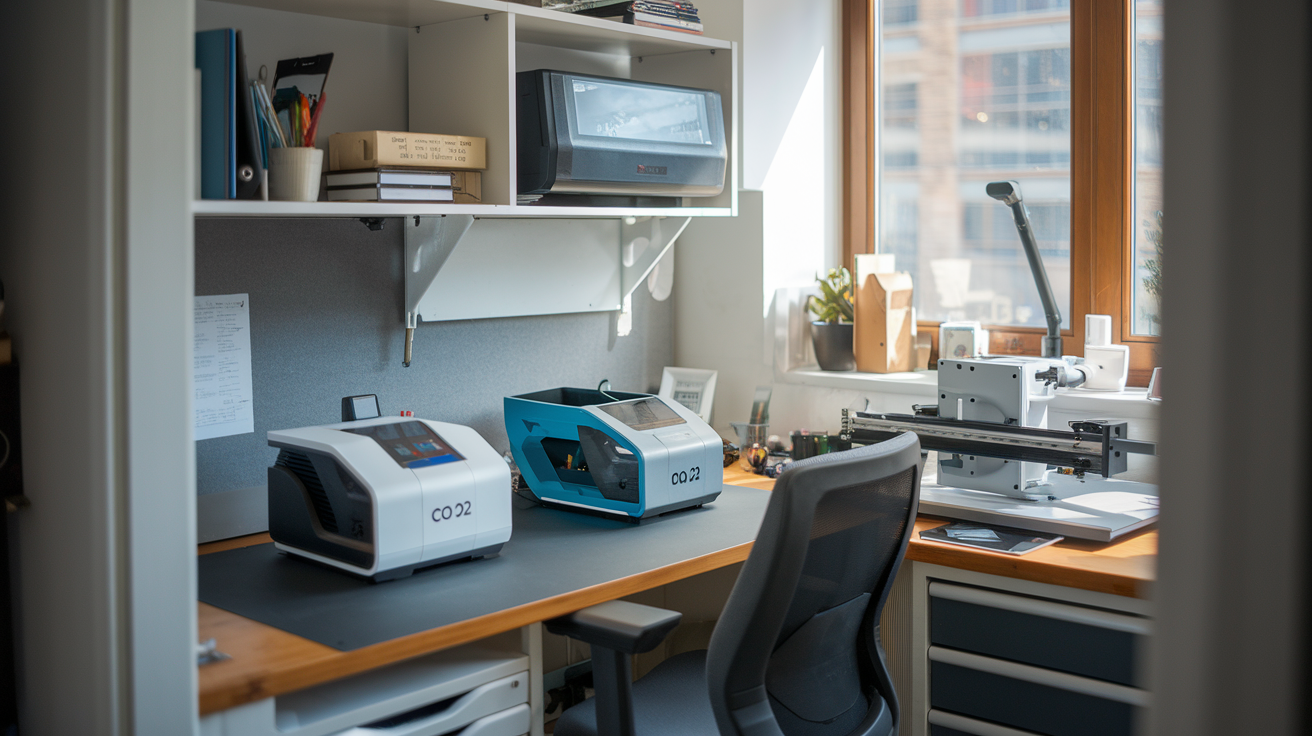
Most reviews skip over a crucial detail: where exactly are you supposed to put a laser machine in your home/small office. No point in getting excited about laser power and cutting speeds, only to realize they have nowhere suitable to actually run the thing. The reality is that many laser engravers require dedicated space & ventilation. This is something you should figure out before the machine arrives.
Take the xTool P2, which measures 1000 x 639 x 268mm and weighs 45 kilograms. CNET highlights that this machine’s size may require a dedicated workshop space, and at just over 7 stone weight, it needs 2 people to move it (or 1 super strong enthusiastic laser operator!). Compare that to the Glowforge Aura at 558.8 x 520.7 x 127 mm, which Tom’s Hardware notes is ‘lightweight’ and can be used anywhere with a Wi-Fi connection. The size difference determines not just where you can put the machine, but how you’ll actually use it in your daily workflow.
Ventilation requirements vary dramatically between machine types and will be the biggest thing you need to consider. Open-frame diode lasers produce fumes that need proper exhaust systems, especially when cutting materials like acrylic or leather. Some makers get by with simple exhaust fans vented through windows, but others invest in professional filtration systems. Try engraving or cutting leather without ventilation and very quickly you will understand how important it is to maintain a good smell in your environment! The xTool SafetyPro AP2 is one option, though it adds to your initial cost.
Noise levels during operation affect family life more than most people expect, particularly for evening or weekend work sessions. The combination of air assist pumps, exhaust fans, and stepper motors creates a constant mechanical hum that carries through walls. I’ve heard from makers who had to relocate their setup to detached garages and garden sheds because the noise disrupted family life and coworkers ability to concentrate.
The WeCreat Vision offers a middle ground as a fully enclosed machine measuring 589mm x 531mm x 253mm. Tom’s Hardware states that its fully enclosed workspace and integrated air assist make it suitable for home use. The xTool S1, another fully enclosed option at 765 x 561 x 268mm, is a Class 1 laser that’s safe to use at home according to Tom’s Hardware.
For the Glowforge Pro, TechRadar notes it’s a bit of a unit, so make sure you’ve got room, especially if you’re adding the Air Filter—which is a must-have for indoor use. This points to a key consideration: even “home-friendly” machines often require additional accessories that increase both cost and space requirements.
Fully enclosed machines like the WeCreat Vision and Glowforge Aura can operate safely in home offices without major hassle. Open-frame diode lasers require dedicated workshop spaces with proper ventilation.
The Material Truth: Matching Laser Types to Profitable Projects
Don’t make the expensive mistake of assuming that any laser will be able to handle the material you have in mint. It might not be able to. Do your due diligence. I’ve seen makers invest in equipment only to discover they’ve locked themselves out of entire profitable market segments because they bought the wrong laser type. The fundamental differences between diode, CO2, fiber, and UV lasers aren’t just technical specifications – they determine which materials you can work with, and material compatibility determines your business potential. Those making the mistake usually end up buying a second laser soon after the initial purchase, the ‘correct’ laser.
Diode laser engravers are best suited for projects involving wood, leather, paper, and some opaque acrylics, but are generally unable to work with most metals, glass, or transparent materials. This limitation means that if your side hustle involves materials outside of this range, a diode laser may not be the best choice. I’ve watched makers who bought diode lasers specifically to create custom metal business cards, only to find out their machine couldn’t even mark the surface. You’re essentially locked out of the entire metal marking market, which includes personalized dog tags, industrial labeling, and premium business cards.
Fiber lasers flip this on its head completely. They’re specialised for metallic materials, and they also get good results on many plastics. This makes them a brilliant choice for side hustles focused on metal engraving, such as creating personalised metal items, serial numbers, or barcodes on metal products (what about the growing trend for engraved cryptocurrency keys?). However, fiber lasers are generally less suited for wood, leather, or other organic materials, which limits their versatility for general side hustles that may require working with a wider range of materials. You might dominate the metal business card market but find yourself unable to create the leather keychains that sell consistently at craft fairs. Yes, you might have started to realise that to cover the full gambit of materials, usually 2 machines are required but clearly the sensible thing to do is start off with the machine that matches the products you want to sell initially.
CO2 laser engravers offer broader material compatibility with non-metals compared to diode lasers, including wood, acrylic, plastics, glass, fabric, and ceramic, as stated by the xTool blog. This versatility makes CO2 lasers a strong contender for side hustles that require working with a variety of materials. However, they are limited in their ability to directly engrave or cut metals, which is a key consideration for certain project types, such as metal signage or personalized metal gifts. The xTool P2 represents this category well, handling everything from acrylic awards to leather wallets, but you’ll need to outsource any metal work. The CO2 usually require cooler units as well and even antifreeze to protect them during the winter.
The absolute perfect combo could be a machine like the xTool F1 Ultra which addresses material versatility through its dual-laser approach. It features both a 20-watt blue diode laser and a 20-watt fiber laser, offering a solution for material versatility. The blue diode laser module is perfect for cutting and engraving wood, leather, plastic, and other organic materials, while the infrared fiber laser is great for marking raw aluminum, brass, copper, zinc, chrome coatings, and plastics. The dual-beam setup allows you to engrave a very wide range of materials, something that is impossible to do with a single laser module. Its downfall however is engraving bed size. Its much smaller than the other machines we have mentioned.
This versatility comes at a higher cost, but it expands your market opportunities significantly. You can create leather wallets with metal nameplates, wooden signs with metal mounting hardware, or complete product lines that span multiple materials. The infrared laser can also make deep 3D engravings in metals, which is an easy way to make add value to a customized gift.
For most side hustles, CO2 lasers provide the optimal balance of material versatility and profit potential. They handle the three most consistently profitable categories – acrylic signage, wooden gifts, and leather goods – while remaining affordable enough to recoup your investment quickly. Specialized fiber lasers dominate metal-focused businesses but require a clear understanding of your target market before investing.
The laser engraving side hustle isn’t just about buying equipment, it’s about matching your space, materials, and market to the right technology. As you may know with many different kinds of tech, I’ve always said there’s no single best option, it depends on your requirements. Remember that the most successful operations start small with proven profitable items before expanding into other areas. Start off slow, and see how you go…