Are Ink Tank Printers Worth It?
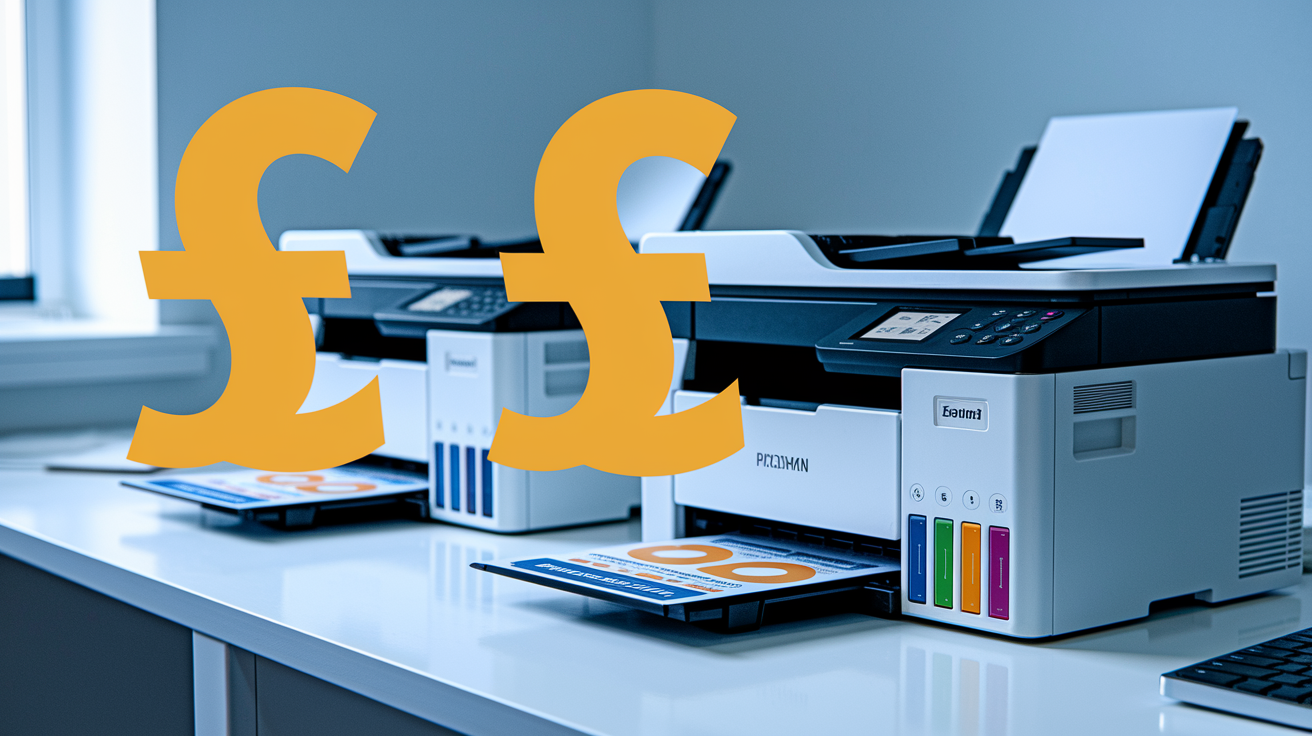
Three things happen when you switch to an ink tank printer that nobody tells you about beforehand. The first one will save you money, the second might frustrate you, and the third could completely change how you think about printing. I learned these lessons the hard way after testing several models over the past 2 years. If you’re thinking about buying one of these systems, you need to know what you’re really getting into before you make that extra investment. In case you haven’t guessed, printers with ink tanks cost more than standard cartridge based printers, but the replacement ink for them is cheaper, much much cheaper!
The Hidden Calculations Behind Your Printing Costs
Here’s something that might surprise you. I worked out exactly how much I was spending on ink cartridges annually over the last 5 years, and the number was shocking. Last year alone, I spent over £230 just on replacement cartridges for a Canon PIXMA printer that I use for photo printing. That’s more than I paid for the printer itself three years ago! The real cost isn’t just what you pay for replacement cartridges, it’s what you’re paying per page, and manufacturers make this deliberately confusing to calculate (a common trick in many different industries). When the calculation gets difficult, most people give up, and head to the checkout! Exactly what the manufacturer wanted!
Let me show you the actual figures using real examples from printers I’ve tested. Take a standard Canon PIXMA, which uses the PG-245 black and CL-246 color cartridges. The genuine black & colour cartridge combo costs about £45 at the time of writing and yields roughly 360 pages. That works out to 12.5p per page on average. If you’re printing photos or documents with graphics, you’re often using both cartridges simultaneously, pushing your cost for those prints even higher.
Now compare that to ink tank systems like the Epson EcoTank ET-2850 or Canon MegaTank G3260. I tested both of these extensively over six months. With the Epson system, the initial ink bottles come included with the printer but if you were buying would cost £28 for a full set and can print thousands of pages (as high as 19,000 depending on the type of prints). When I calculated my actual usage with mixing text documents, photos and mixed documents, I was paying roughly 1 penny per page! That’s a massive difference from traditional cartridge based inkjets!
But here’s where it gets interesting: the point of break even isn’t where most people think it is. The ink tank printers cost more upfront. The Epson EcoTank I tested retails for around £185 compared to £45 for a basic PIXMA. You need to print about 1,200 pages before the lower operating costs offset that higher initial purchase cost. For many households, that represents six months to a year of printing, depending on your usage patterns. For a business obviously this would be done much much quicker.
I tracked my own printing habits meticulously during this test period, logging every page and every refill. What I discovered was that my family prints about 150 pages per month on average – more than I initially thought. At that rate, the savings from ink tank printing add up quickly. Over the six-month test period, I calculated that traditional cartridges would have cost me about £90 in ink alone, while the tank system used roughly £9 worth of ink for the same output. A tenth!
The difference becomes staggering when you extend this calculation over several years. Tank printers can cost ninety percent less per page to operate compared to traditional cartridge systems. For a household that prints 2,000 pages annually, that amounts to a substantial savings, for business with much higher print outputs, the saving becomes staggering.
The Volume Game That Changes Everything
The second thing I discovered will either make ink tank printers incredibly appealing to you, or reveal why they might not be worth it. Manufacturers love to throw around page yield numbers in their marketing materials, but what do these figures actually mean when you’re using the printer at home for real work? I found that the advertised yields don’t match reality, and your specific printing habits determine whether you’ll actually see the benefits everyone talks about. Think of published yield numbers more as an indicative guide figure.
Let me walk you through what happened when I filled up an Epson EcoTank ET-2850 for the first time and started tracking every single page I printed. Epson claims you can print around 7,500 black and white pages and 6,000 color pages from one set of ink bottles. Those are impressive numbers on paper, but I wanted to see how they held up with actual real world mixed printing in my home office, the kind most people do at home with documents, photos, school projects, and occasional graphics.
After several months of careful tracking, I got closer to 4,500 total pages before needing my first refill. That was with a realistic mix of text documents, some photos for family events, and graphics-heavy presentations for work. The yield was lower than advertised, but still impressive when you consider that traditional cartridges typically give you 200 to 400 pages depending on ink coverage. Even at my reduced yield, one tank refill was equivalent to roughly fifteen individual cartridge replacements.
But here’s the key insight that changed my perspective entirely – if you’re printing less than 50 pages per month, the volume advantage starts to work against the ink tank printers. I tested this scenario by tracking a friend’s usage over three months. She prints maybe thirty pages monthly, mostly text documents and the occasional recipe or airport boarding pass. At that rate, it would take her over ten years to use up one set of ink bottles! The problem isn’t just the time factor – it’s what happens to ink when it sits unused for extended periods. The reality is that inkjet printers, whether cartridge or ink tank based don’t like lying up for extended periods being unused. This leads to drying of ink inside the printers ink delivery system and this is what leads to poor quality prints and then ultimately printer replacement.
The calculations become more complex when you factor in your actual printing patterns. Heavy users who print 200 or more pages monthly will see dramatic savings and will benefit from not having to buy cartridges every few weeks or months. Moderate users printing 75 to 150 pages monthly hit the sweet spot where tank systems really shine. But light users face a different equation entirely. When you’re only printing occasionally, the higher upfront cost of the printer takes much longer to recover, and you may encounter issues I’ll discuss next.
What really surprised me was how consistent usage patterns affected the overall value proposition. From testing and calculating, the big takeaway is this: Users who print steadily month after month get the full benefit of tank systems. Those with sporadic printing habits – busy periods followed by weeks of no printing – face additional challenges beyond just a longer breakeven period. The tank systems work best when ink flows regularly through the system, which brings me to the most important thing nobody warns you about with these printers.
One ink tank refill equals roughly fifteen to twenty traditional cartridge sets, but only if you print consistently and can avoid the maintenance issues that come with irregular usage patterns.
The Maintenance Reality Nobody Thinks About
This third discovery almost made me return my ink tank printer, and it’s something that could completely derail your experience if you’re not prepared. Ink tank printers seem like a set-it-and-forget-it solution when you first set them up. You fill the tanks, print for months without worrying about cartridges, and assume everything will just work smoothly. But they actually require more attention than traditional cartridge printers, and most manufacturers don’t emphasize this enough in their marketing materials.
The problem is what happens when you don’t print regularly. I learned this the hard way during my testing period when I went 6 weeks without printing anything. I had been traveling for work and simply didn’t need to print during that time. When I came back and tried to print a document, I found my print heads had started to clog. The first page came out with streaky lines and missing colors.
Unlike cartridge printers where you replace the entire print head assembly with each cartridge, ink tank printers have permanent heads that can dry out if not used consistently. The ink sits in those tubes and print heads, and if it’s not moving regularly through the system, it starts to thicken and cause blockages. Think of it like a used paintbrush or a felt-tip marker that’s been sitting without its cap for too long. The ink at the tip dries out and blocks the flow, except in this case, you can’t just throw it away and buy a new one.
I had to run multiple cleaning cycles to clear the blockages, (and a nasty side effect of cleaning cycles is that they use up a significant amount ink to complete). Each cleaning cycle on the Epson EcoTank consumed roughly the equivalent of twenty to thirty pages worth of ink. If you were running into this problem regularly it wouldn’t be long before the cost of this ‘wasted ink’ was seriously eating into the money saved by running the ink tank printer in the first place.
What really frustrated me was that most manufacturers keep the advice about regular printing relatively hidden. Epson & Canon both give the advice but it’s buried in the fine print rather than highlighted as a key requirement.
This maintenance requirement becomes a real hassle if you’re someone who prints sporadically. Maybe you print heavily for a few weeks during tax returns or when the kids are doing school projects, then go months without touching the printer. That pattern of use works fine with laser printers and ok with cartridge printers because you’re replacing the print heads regularly anyway. But with tank systems, those idle periods can cost you significant money in wasted ink and cleaning cycles.
I’ve started setting a weekly reminder on my phone to print at least one page, even if it’s just a test page, to keep the ink flowing. It feels silly, but it’s cheaper than dealing with clogged heads. Some users have told me they print a page weekly just for maintenance purposes. To be honest, in todays busy lifestyles, this kind of weekly task is unwelcome. Computer and printer have to be turned on, a document created or opened to print, then everything closed and shutdown afterwards. You are looking at an absolute minimum of 5-10 minutes weekly!
What happens if you don’t use your ink tank printer regularly? You’ll face clogged print heads, wasted ink from cleaning cycles, and potentially expensive repairs if the blockages become severe enough to damage the printing mechanism permanently. So the maintenance has to be done. Understanding this maintenance requirement is important in deciding whether an ink tank printer fits your actual printing habits rather than your optimistic estimates of how much you’ll print.
So are ink tank printers worth it? It depends entirely on whether you can commit to regular printing and have the volume to justify the higher upfront cost. If you print more than around 100 pages per month consistently, an ink tank printer will save you significant money and reduce the hassle of constant cartridge replacement. Theres no doubt about it! The economics of it works strongly in your favor at that usage level.
But if you’re an occasional printer who goes weeks between jobs, stick with a traditional inkjet printer or a small laser. The maintenance headaches aren’t worth the potential savings when you factor in clogged print heads and wasted cleaning cycles.