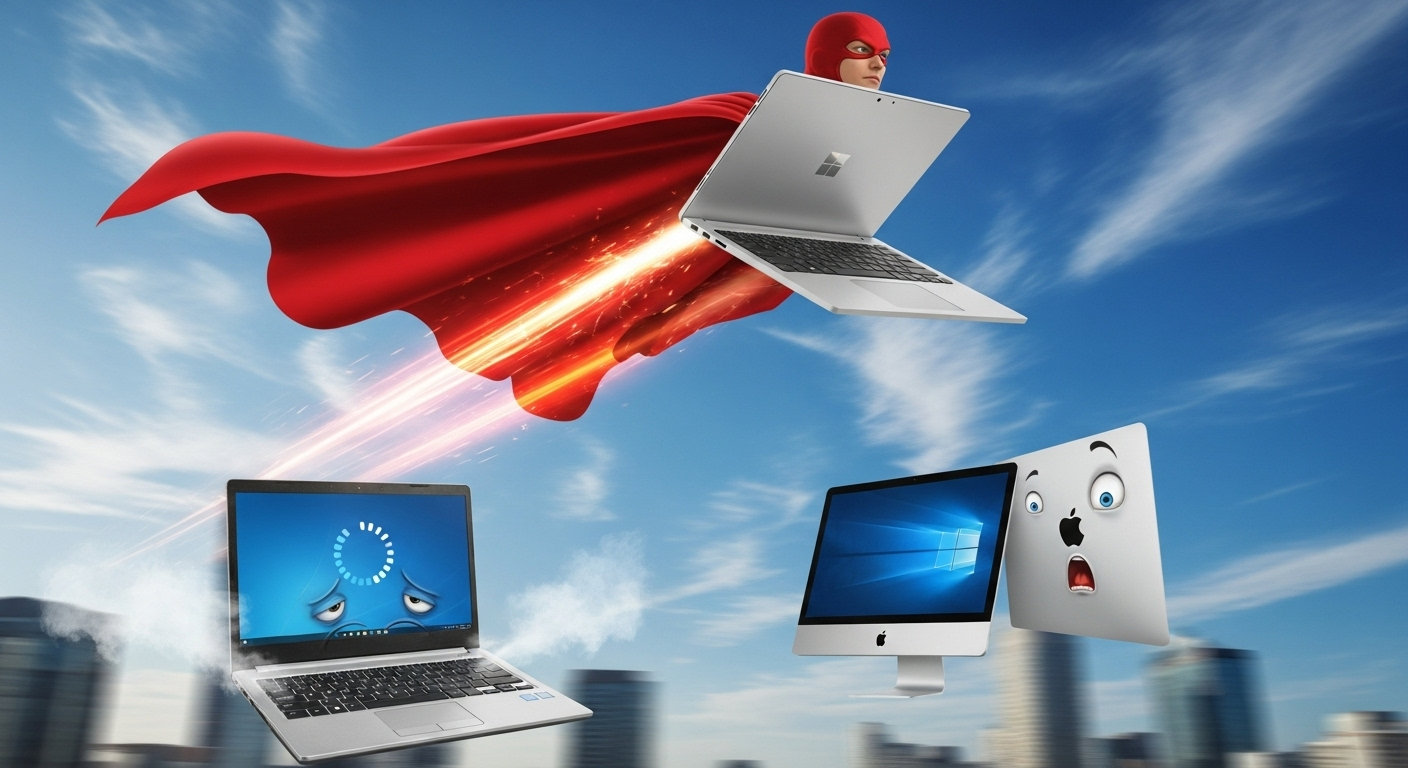
Why Windows Laptops Always Felt Cheap, Until Now!
Windows has won the contest a long time ago. There is no debate about it, more people use Windows, by a massive margin, than any other operating system in the world. Despite this accolade, Microsoft has always faced a massive style and quality challenge from Apple: create a Windows laptop that doesn’t feel like a cheap MacBook Air knockoff. For years, they’ve failed this test. The Surface line of devices got close with excellent design and build quality, but battery life was terrible and they never felt really premium like Apples MacBooks.
The latest iteration is the Surface Laptop 7 with its Snapdragon X Elite chip. Released in June 2024 the Surface 7 range is Microsoft’s most serious attempt yet. 18-hour battery life, aluminum body, excellent keyboard, and a 120Hz display that puts the MacBook Air’s 60Hz screen to shame. After weeks of testing, I think they might have actually succeeded, but there are some compromises you need to know about before shelling out. Remember, the Surface machines, although not as expensive as MacBooks are not cheap!
The Windows Laptop Problem That Nobody Fixed
Windows laptops have forever been stuck in this weird cycle where they either look cheap or loose power after 4 hours of use! The technical reality is that manufacturers couldn’t figure out how to build a premium Windows laptop that actually worked properly for extended periods. Premium machines need fast processors and high capacity batteries to perform well. Both of these things traditionally took up lots of space and generated lots of heat. Add to this conundrum the fact that the buyer of a premium laptop has a particular expectation, maybe created in part by Apples line of MacBooks of a sleek, thin & lightweight form factor. Until recently you’d get decent battery life with chunky plastic designs that screamed ‘budget laptop’, or you’d get aluminum build quality with fast Intel chips that ran so hot they’d throttle performance and kill the battery in 3 hours and reduce long term lifespan with the excessive internal temperatures. Remember, electronics hate heat!
Potential buyers need to remember that those long battery runtimes published on the spec sheets became 3 hours of use in real life scenarios. I tested dozens of Windows laptops over the years, and the pattern was always the same. Once you fire up Chrome with a few tabs, run Outlook in the background, and maybe edit some videos or images, you will see that battery percentage drop like a stone. Meanwhile, the laptop’s getting warm enough to cook an egg, and the fan sounds like a jet engine preparing for takeoff. Then you start wondering about your ‘considered’ purchase and thinking about how much faster & more comfortable it is to work on your desktop machine.
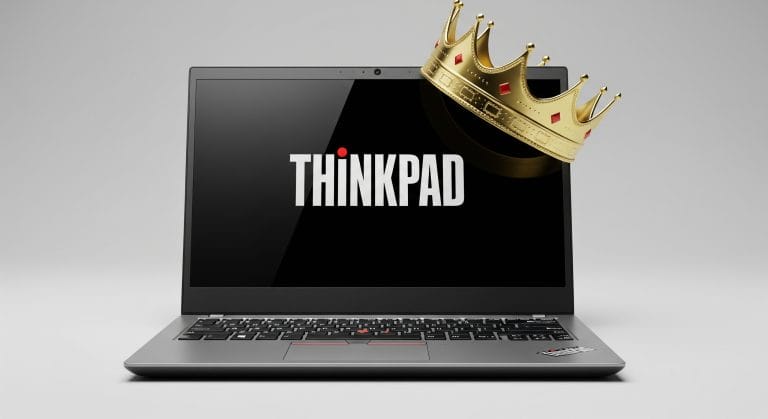
Add to this mix poor quality and unresponsive trackpads and thick plastic bezels around the screens which looked dated even before they were shipped! This pattern was occasionally broken by some manufacturers who were able to produce something nice, like Lenovos Thinkpads. Dell’s XPS line came close to premium design, but they had overheating issues were genuinely disappointing for customers who had paid a premium. Surface Pro devices looked great when released in 2017, until they started throttling down under any serious workload.
Manufacturers always cut corners somewhere when trying to compete with MacBook. Either build quality suffered or if not it would be battery performance or actual performance! Lenovo ThinkPads were built like tanks but were heavy and lasted maybe 4 hours under normal use. The premium Windows laptops existed, but they cost more than MacBooks while performing worse in daily use situations.
The root cause wasn’t just bad design. Intel’s x86 architecture created these limitations through power consumption vs performance trade-offs that kept Windows laptops lagging behind. Those processors needed constant power to maintain performance, which meant bigger batteries, more heat generation, and thicker designs to accommodate cooling systems. Every manufacturer faced the same physics problem: Intel chips were hot n’ power hungry, and Windows wasn’t optimized for efficiency like macOS. Ouch! Think of Intel here as the ‘hardware bad guy’ and Windows as the bloaty ‘software bad guy’.
Microsoft knew they needed something completely different & special to break this cycle. They’d tried premium designs with the early generation Surface devices, improved Windows power management, and worked with Intel on more efficient chips. But the core problem remained: x86 processors would always prioritize raw computing power over battery efficiency. The architecture itself needed to change.
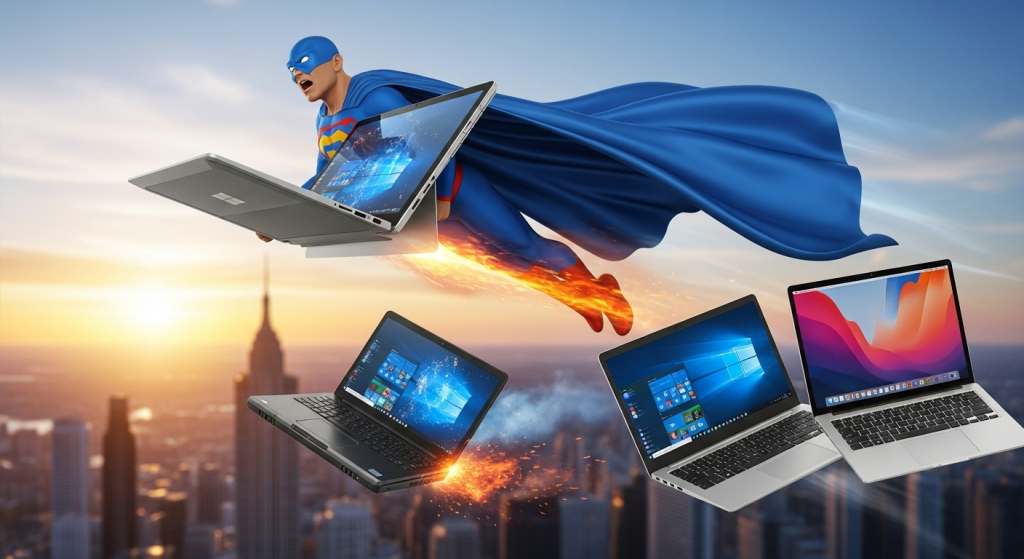
Why ARM Processors Change Everything for Windows
Enter Qualcomm with its Snapdragon X Elite chip in June 2024! This processor is built into the newest Surface Laptop 7 and isn’t just a processor upgrade – it’s the same type of architecture that makes your phone run for days without dying. The Snapdragon X Elite is an ARM processor. These work completely differently from Intel’s x86 chips. Instead of focusing on raw computing power that burns through battery, ARM prioritizes efficiency first. The design philosophy centers around using less power to accomplish the same tasks. Plus its really well calibrated for Ai workloads.
Here’s what makes ARM processors actually work for laptops. They use multiple efficiency cores that just sip power for basic operations like web browsing, email, and document editing. When you need serious performance for video editing or audio editing, the performance cores activate to handle the workload with ease. Most of your daily laptop usage will use just the processors efficiency cores, which explains why the Surface Laptop 7 can hit massive double digit battery life while staying snappy for everyday computing tasks.
The real-world impact for me was genuinely impressive when testing the Surface 7. I ran my normal multitasking workflow and watched the battery percentage indicator barely moving after 3 hours of use! Compare that to Intel-based laptops where this same workload would drain 50% battery in the same timeframe. The laptop stayed cool to touch, and I never heard the fan spin up during normal use. Its such a literating feeling knowing that you don’t have to ‘tether up’ to a plug for charging! Its not just electric vehicle drivers that experience ‘range anxiety’!
ARM processors had been tried in Windows laptops before but had failed spectacularly. Remember the original Surface RT disaster? Those machines couldn’t run regular Windows software making compatibility a complete nightmare. No surprise then that Microsoft eventually discontinued the entire product line. The reality is ARM on Windows was broken for years because the software ecosystem wasn’t ready. Microsoft, the ‘software bad guy’ hadn’t done their bit.
What they did do however was learn from this failure. They went to work and built better emulation software called Prism that lets many Intel apps run on ARM processors even without native versions. They pushed developers to create native ARM apps for better performance. And they chose Qualcomm’s proven Snapdragon processors instead of trying to build custom chips from scratch. All good but not perfect. There is a category of 64-bit only apps that for various reasons have not ported to the ARM64 architecture and so will not work. Although not a massive category, it does exist and it creates a point of uncertainty for prospective buyers. For those who aren’t aware of this limitation and just purchase a shiny new Surface 7, they could be in big trouble. An architect or Engineer for example would be in for a nasty shock as their goto tool, Autocad will not work on the Surface 7 at the time of writing. In general terms, specialized enterprise software, some games, and most older applications that haven’t been updated in years will likely not work. If your workflow depends on any of this kind of Windows software, you might hit compatibility problems. Research, research, research!
Turning to performance, the benchmarks tell a warm and fuzzy story. The mighty Snapdragon X Elite matches Intel Core processors for everyday computing while consuming just half the power. Video calls run smoothly, photo editing works without lag, and even light gaming performs well. All the popular apps that matter most – Chrome, Edge, Office 365, Zoom, etc will all run natively ARM without emulation but remember there will be a small group of exceptions, so you should have a think about your ‘software stack’ and do your own research before purchase.
ARM on the latest generation Surface machines finally works in Windows because the software ecosystem caught up with the processors potential. Developers now care about ARM, emulation improved dramatically, & Microsoft committed time & money to making it work properly this time round. But even with the ‘processor problem’ solved, Microsoft still had to nail the design details that Windows laptops always got wrong. Consider the wisdom of Advertising Industry legend David Ogilvy: “The first impression is the one that sells, the second one just confirms.”
The Design Details That Actually Matter
First up on the ‘first impressions’ front is the Surface Laptop 7’s 120Hz display which wins out over the MacBook Air’s 60Hz screen. However the most obvious design decision is the screens 3:2 aspect ratio. Most manufacturers opt for 16:9 widescreen ratios that look good for movies, Microsoft chose this taller format that actually makes more sense for getting work done. The extra vertical space transforms web browsing, document editing, and spreadsheet work in ways you don’t appreciate until you use it and then go back to your old laptop with its standard screen.
Coupled with this the Surfaces’ aluminum body finally delivers MacBook-like premium build quality without feeling like a second rate cheap copycat. The premium finish resists fingerprints and skin oils better than most high end laptops I’ve tested. The keyboard feels responsive and accurate with good key travel, and along with 2 levels of keyboard backlighting the machine is a tactile pleasure to use. The trackpad as well is a massive improvement over previous Windows laptops. It supports adjustable click sensitivity and handles precision scrolling without the phantom clicks that plagued previous generation Surface devices.
In terms of real world battery performance the 18 hour marketing claims hold up during lighter usage like web browsing and document editing. Obviously task that require more grunt will use more power. Start back to back video calls, run multiple programs, or push the processor hard with video/audio editing, then battery life drops to 6-7 hours. Still impressive in my book for a Windows laptop, but not the 18 hour utopia that Microsoft makes us dream about.
The 1080p webcam upgrade is so welcome for Windows users who actually rely on video conferencing. You get colorful, detailed shots with auto-framing that keeps you looking great during calls. The camera also allows ‘Windows Hello’ facial recognition to work reliably for hands-free logins, something that feels seamless compared to older Surface generations. In practical use, its such a nice feature.
Surface Laptop 7 succeeds because it includes details that affect daily use. The 3:2 display ratio, improved trackpad precision, and reliable webcam fix and real problems that Windows laptop users face every day and therefore improve their hands on experience from day 1. The design choices feel like a cohesive intentional whole rather than competitive checkbox-checking to improve the look of a comparative spec sheet.
After weeks of testing, this feels like the first Windows laptop that doesn’t make you wish you bought a MacBook instead. The old traditional high end inferiority complex is gone!
Surface Laptop 7 proves Windows laptops can finally match MacBooks quality without forcing you to switch operating systems. Who wants to switch to the Mac OS anyway? The reality is this works best for users who need Windows software but want MacBook-level build quality, design & battery life
Windows laptops are no longer the compromise option. They’re finally a legitimate choice for premium portable computing buyers.